-
Step 01. Download zJailbreak to your Settings
-
Step 02: Open Settings to Install zJailbreak
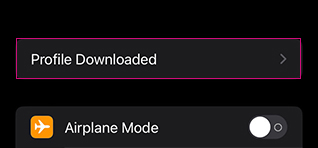
Open your Settings apps and find "Profile download" to continue your Installation process
Having issues?
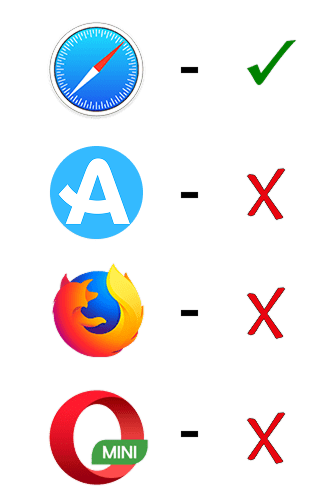
Use Apple's default Safari browser to install zJailbreak.
Installation not working?
-
Step 01. Download zJailbreak to your Settings
-
Step 02: Open Settings to Install zJailbreak
Open your Settings apps and find "Profile download" to continue your Installation process
Having issues?
Use Apple's default Safari browser to install zJailbreak.
Installation not working?
Facing issues with zJailbreak installation?
If you cannot download the app:
- Please make sure you are using the default Safari browser on your iOS device.
- If you are using any other browser, please return to this website using the Safari browser.
If you cannot find the app on your home screen:
- Make sure to tap the Allow button when prompted to download the app profile to your device settings.
- Then, open your Settings and follow the instructions to complete the installation process.
If you encounter any other issues:
Please contact us at zjailbreakhelp@gmail.com and our support team will get back to you as soon as possible.